
What Is the Subaru Digital Key and How Does It Work?
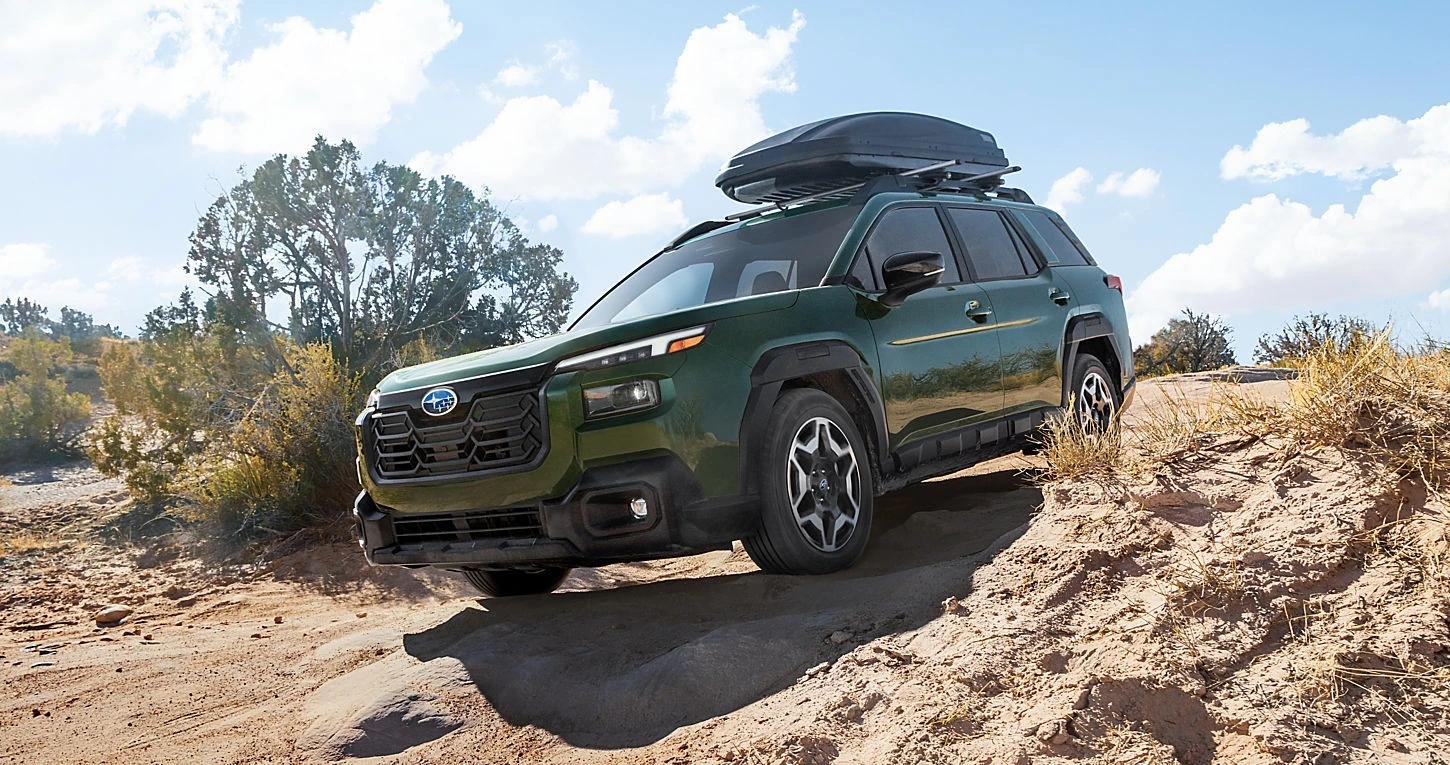
Ever get halfway to the trailhead and realize your keys are still on the kitchen counter? With Digital Key on the 2027 Subaru Trailseeker, your phone can be your key. You can lock, unlock and even start your Trailseeker right from your smartphone.
It's one of the most-asked-about features we see from Trailseeker shoppers, so here's a simple rundown of what it is, how it works, and exactly how to get it set up.
What is Digital Key?
Digital Key is a feature in the SubaruConnect app that turns your smartphone into a key for your Subaru EV. Once it's enabled, you can lock and unlock the doors and start or stop the vehicle using your phone, no fob required.
One quick heads-up if you've owned a Subaru before: the Trailseeker uses the SubaruConnect app, not the MySubaru app. SubaruConnect is only for Subaru's EVs (the Solterra, Trailseeker and Uncharted), so you'll want to grab the right one.
Which Trailseeker trims have it?
Digital Key comes standard on the 2027 Trailseeker Limited and Touring trims. The Premium doesn't include it, so if using your phone as a key is high on your list, that's worth keeping in mind when you pick a trim.
How does it work?
Digital Key uses a Bluetooth connection between your phone and your Trailseeker, along with the SubaruConnect app. Once your phone is set up as a key, it handles the same everyday jobs as your fob: getting you in, locking up, and starting the car.
It's part of the Remote Connect package in SubaruConnect, the same package that gives you remote start, remote climate, Tesla Supercharger access and Plug & Charge. Here's the good news for 2027 buyers: 2027 models include a 5-year Remote Connect trial. After that, it's $8 per month.
You can also share access with family members or other people you trust, which is handy when your partner needs to borrow the car and you've got the only fob in your pocket.
How to set up Digital Key, step by step
Setup happens in two parts: first you connect your phone and your Trailseeker through SubaruConnect, then you turn on Digital Key. Plan on doing it sitting in the car with your key fob handy.
Part 1: Connect your phone to SubaruConnect
- Sit in your Trailseeker and follow the SubaruConnect prompts on the center touchscreen.
- Enter your mobile phone number. You'll get a text with a link to download the SubaruConnect app from the Apple App Store or Google Play.
- Open the app and create your SubaruConnect account.
- Add your vehicle by scanning the QR code on the touchscreen, or request a code and type it in.
- Finish your user profile and accept the consent terms in the app.
- Pair your phone with the car over Bluetooth. This is also a good time to set up Apple CarPlay or Android Auto.
Part 2: Turn on Digital Key
- Make sure your Remote Connect trial is active in the app.
- Turn on Bluetooth on your phone and allow the app's permission requests. Declining them can keep the app from working properly.
- Go to the Digital Key section of the SubaruConnect app and follow the on-screen enrollment steps, staying in the car with your fob until the app confirms your key is ready.
- Step out, lock the doors with your phone, then unlock them again to make sure everything works.
Want a hand? We're happy to set it up with you at delivery so you drive off with your phone ready to go.
Tips for living with Digital Key
- Keep the fob in your pack on adventures. Subaru recommends carrying the physical key when you're heading somewhere with weak or spotty cell coverage. Around here, that means pretty much any Catskills trailhead.
- Charge your phone before you head out. If your phone is your key, a dead battery is a locked-out problem. Subaru recommends a full charge before you leave.
- Use the fob for the power rear gate close-and-lock. Subaru notes that some features, like closing and locking the power rear gate, may not work with Digital Key alone.
- Don't turn off the Smart Key system. Turning off the Smart Key system in the vehicle settings also turns off Digital Key.
- Give it a second. The system may respond a little slowly after you touch the door handle. A short pause is normal.
- Treat your phone like a key. Keep a screen lock on it. If your phone is ever lost or stolen, contact your Subaru retailer right away.
- Remove your keys before you sell or trade in. When it's time to move on to your next Subaru, clear your Digital Keys from the vehicle so the next owner starts fresh. We can do it for you at trade-in.
Frequently Asked Questions
What is Subaru Digital Key?
Digital Key is a SubaruConnect feature that lets you use your smartphone as a key for your Subaru EV. You can lock and unlock the doors and start or stop the vehicle from your phone.
Does every 2027 Subaru Trailseeker have Digital Key?
No. Digital Key is standard on the 2027 Trailseeker Limited and Touring trims. The Premium trim does not include it.
Does Digital Key cost extra?
Digital Key is part of the SubaruConnect Remote Connect package. 2027 models include a 5-year Remote Connect trial, and after that it's $8 per month.
Which app do I use for Digital Key?
The Trailseeker uses the SubaruConnect app, available on the Apple App Store and Google Play. The MySubaru app is for Subaru's gas models and won't work with the Trailseeker.
Can I share my Digital Key with someone else?
Yes. You can share access with family members or other people you trust through the SubaruConnect app.
Should I still carry my key fob?
It's a good idea when you're heading somewhere with weak cell coverage, and Subaru recommends keeping your phone fully charged. Some features, like closing and locking the power rear gate, may not work with Digital Key alone.
Try Digital Key for yourself
Stop by Ruge's Subaru in Rhinebeck to see Digital Key in action on a Trailseeker Limited or Touring. We'll show you how it works, answer your questions, and get you set up for a test drive.
Shop Trailseeker Inventory